Khởi tạo EC2 instance
Khởi tạo EC2 instance.
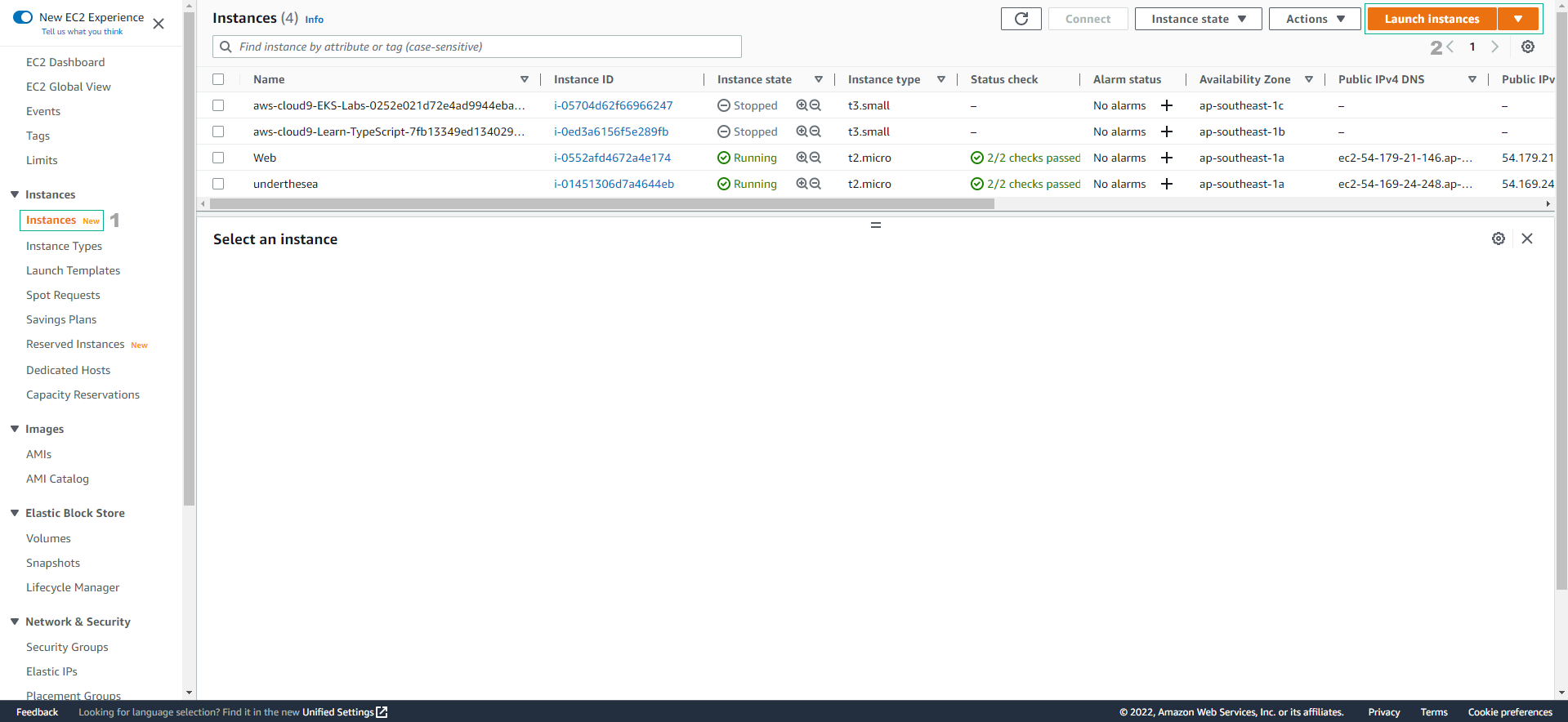
- Truy cập vào EC2
- Chọn Instance
- Chọn Launch instances
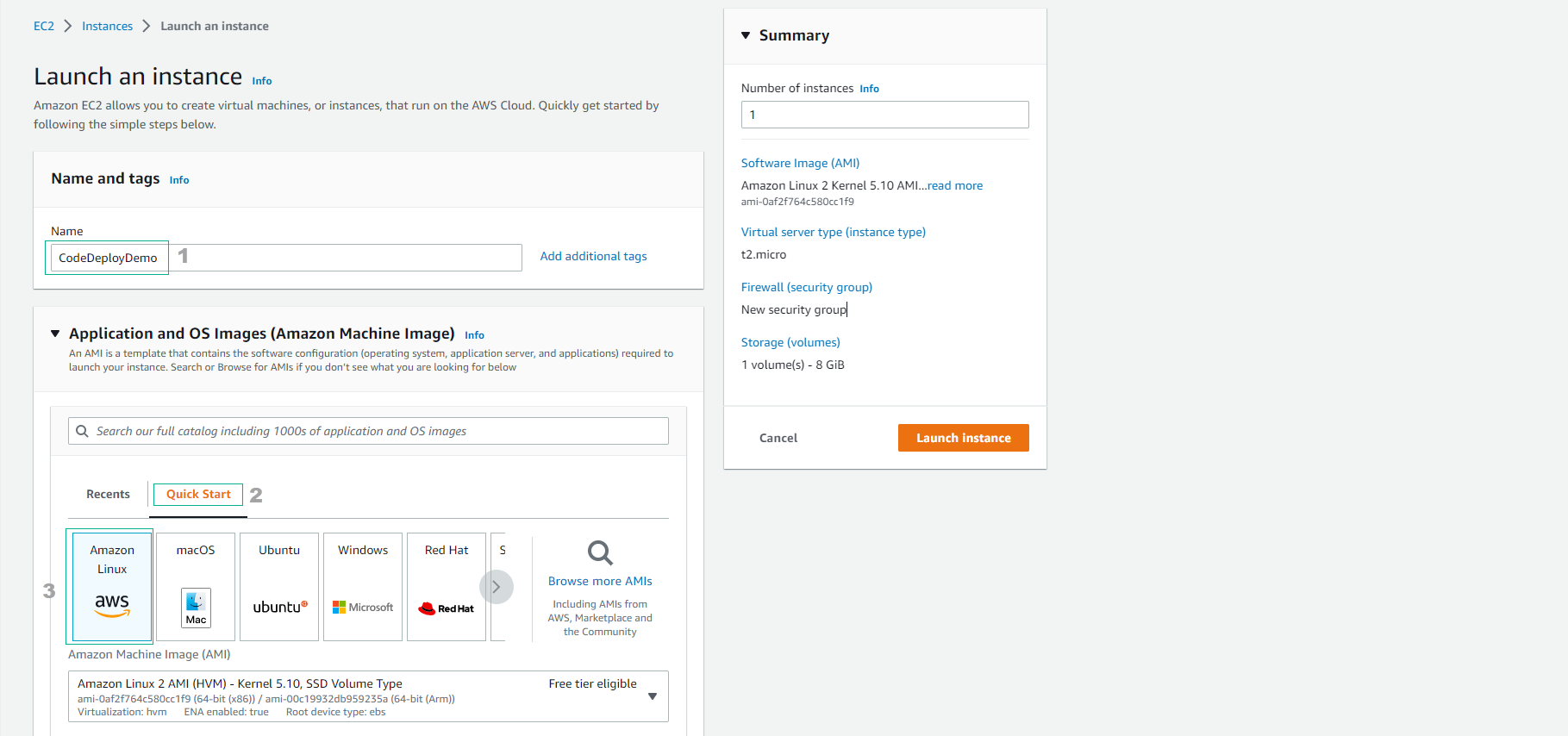
Trong giao diện Launch an instance
- Name and tags, nhập
CodeDeployDemo - Chọn Quick Start
- Chọn Amazon Linux
- Name and tags, nhập
Trong phần Instance type, chọn t3.medium
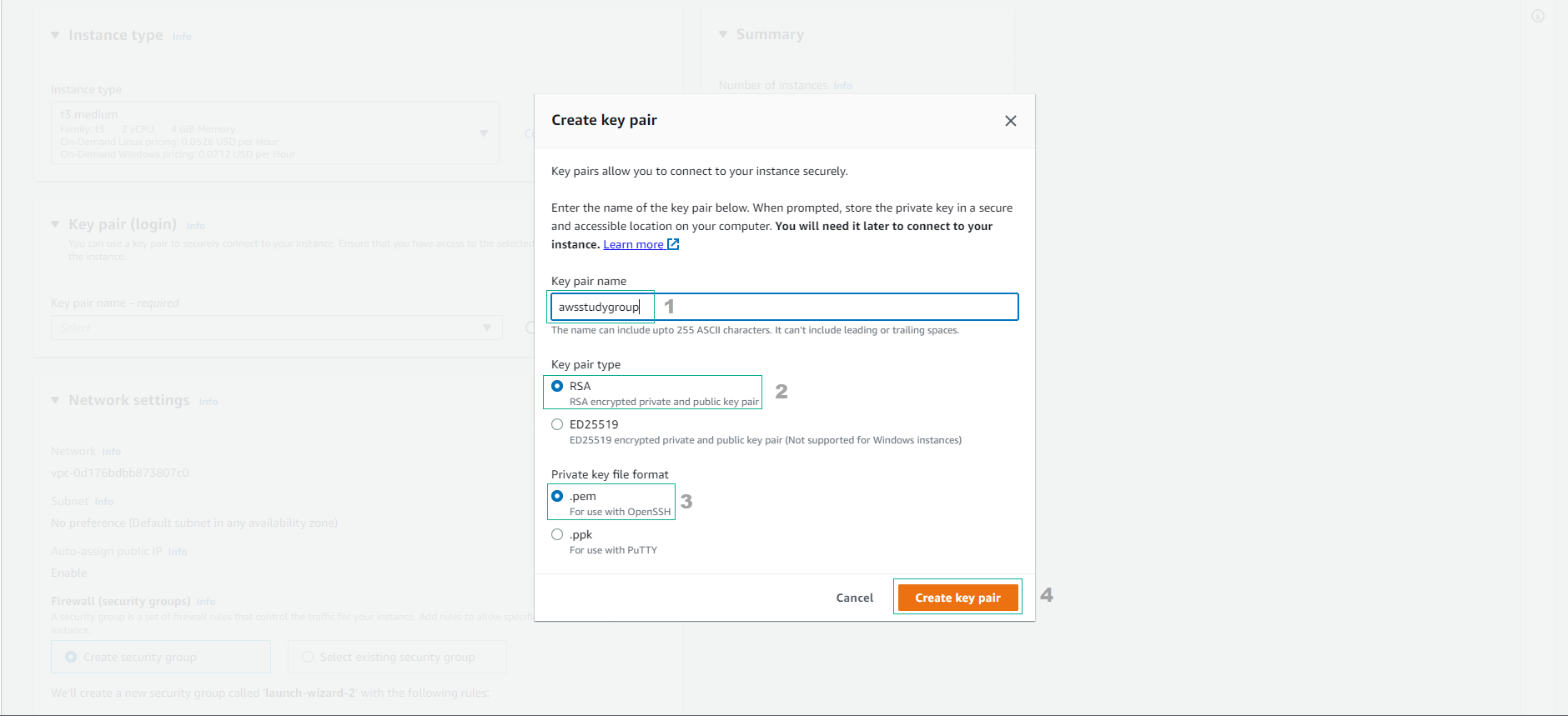
- Chọn Create new key pair
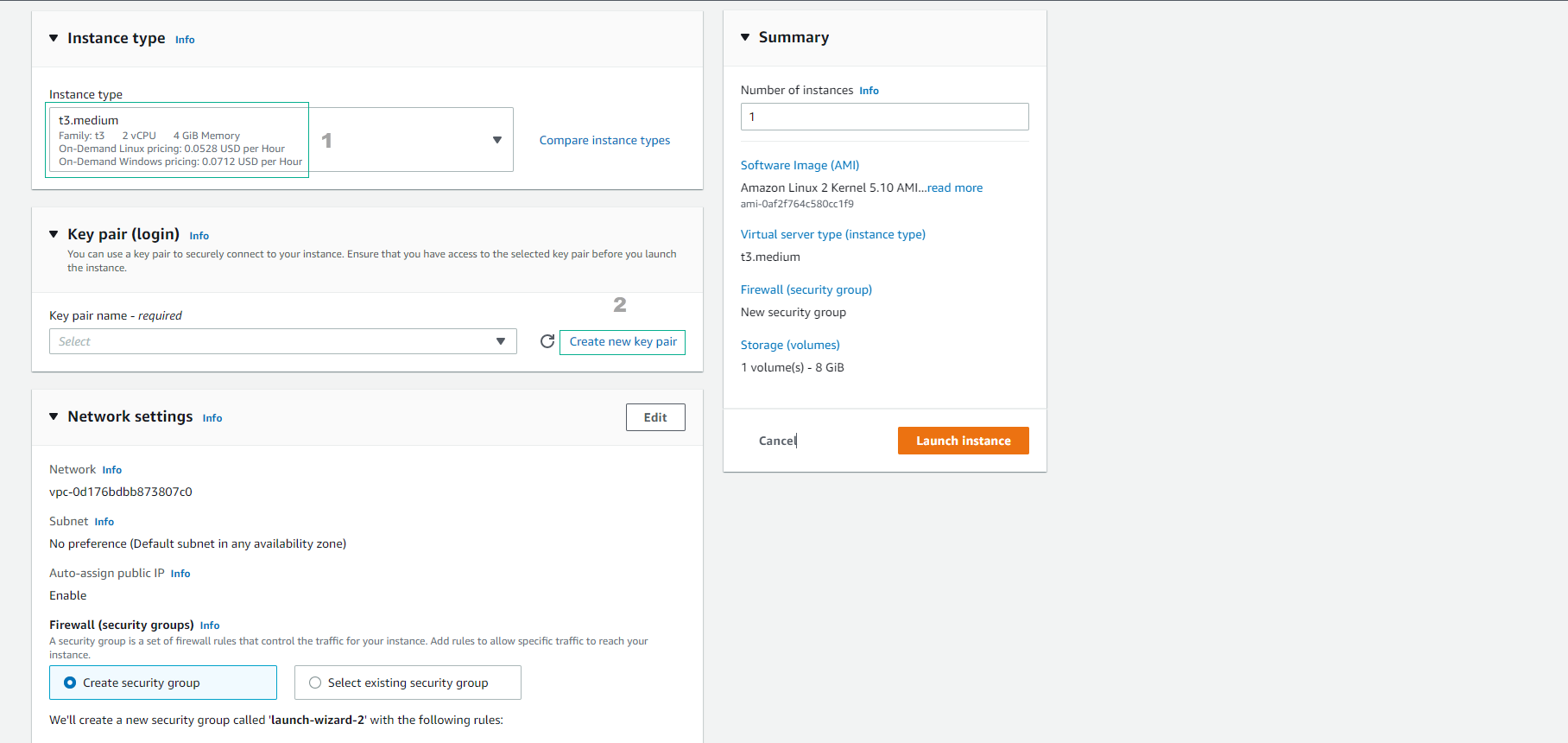
Trong phần Key pair name, nhập
awsstudygroup- Chọn Create key pair
- Key pair này nên được lưu trữ cẩn thận trên máy tính để dùng cho việc SSH vào EC2 instance.
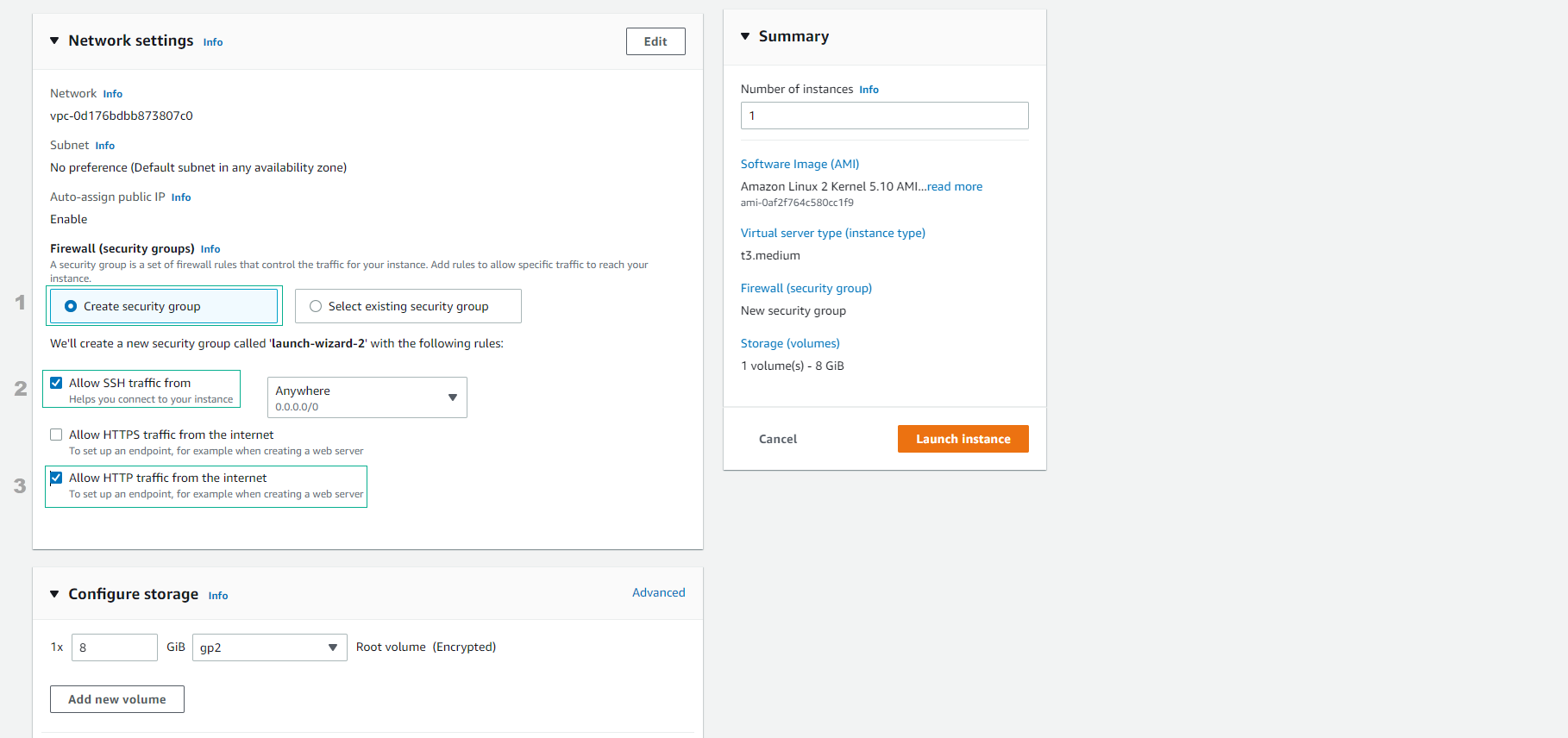
Thực hiện cấu hình network:
- VPC: default
- Subnet: a subnet of VPC default (default is public subnet)
- Auto-assign public IP: Enable
- Firewall (security groups): Create security group:
- SSH / Port 22 / Anywhere
- HTTP / Port 80 / Anywhere
- Advanced details:
- IAM instance profile:
CodeDeployDemo-EC2-Instance-Profile
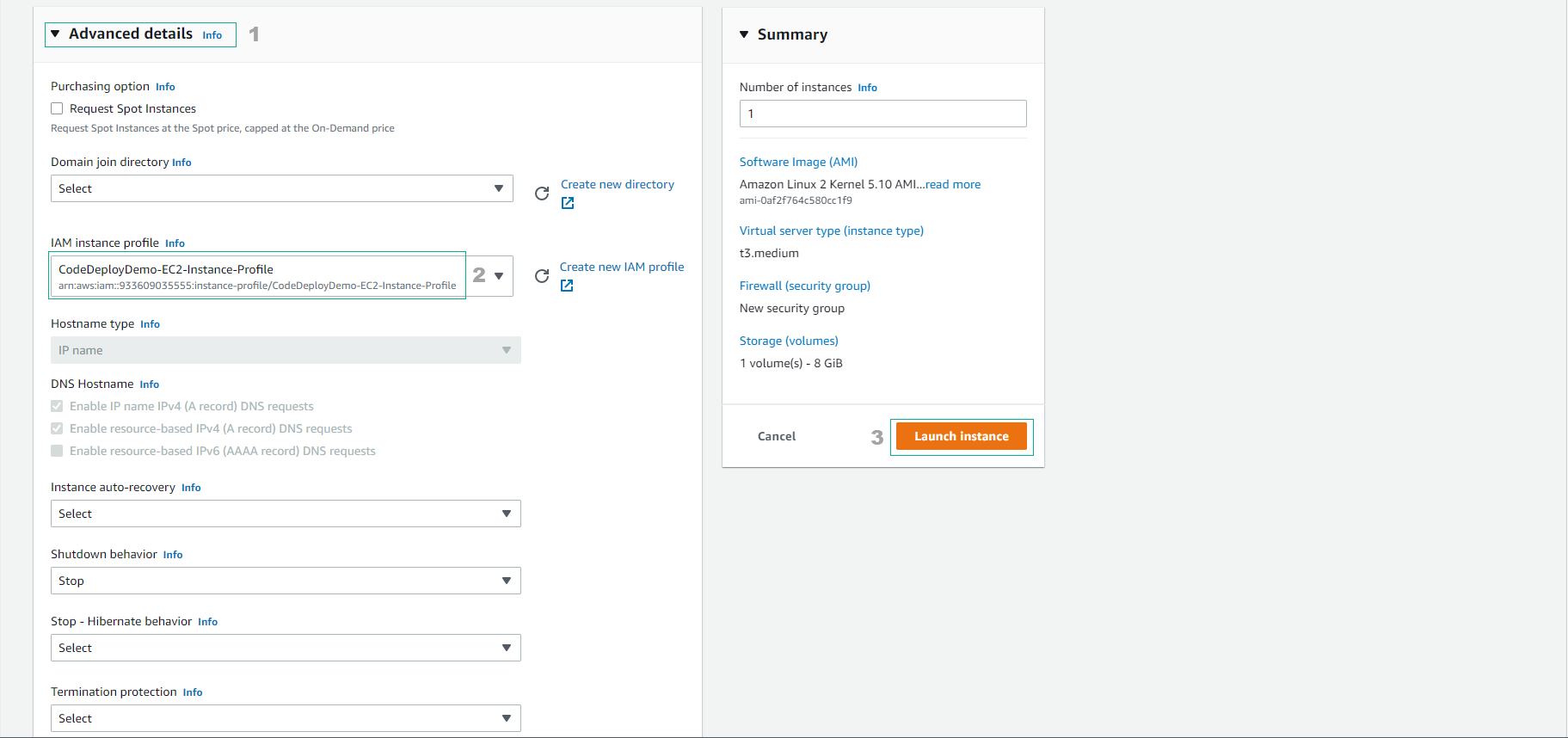
- Hoàn thành việc tạo EC2 instance.
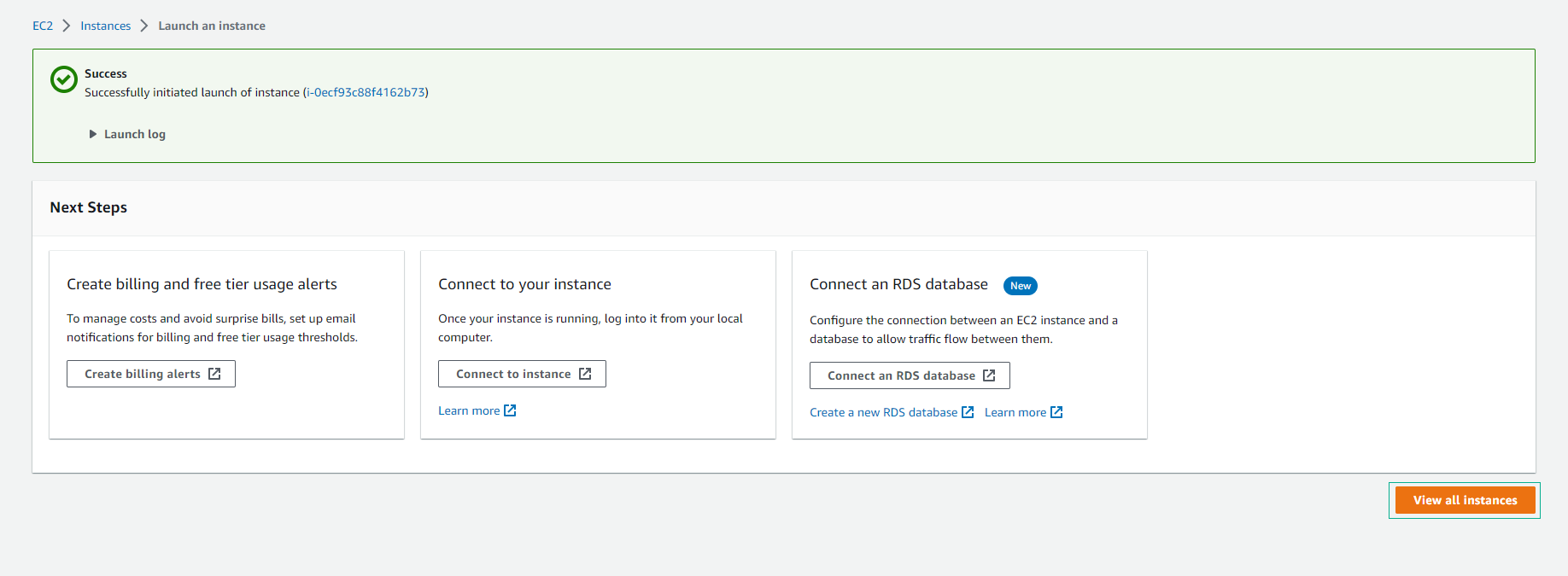
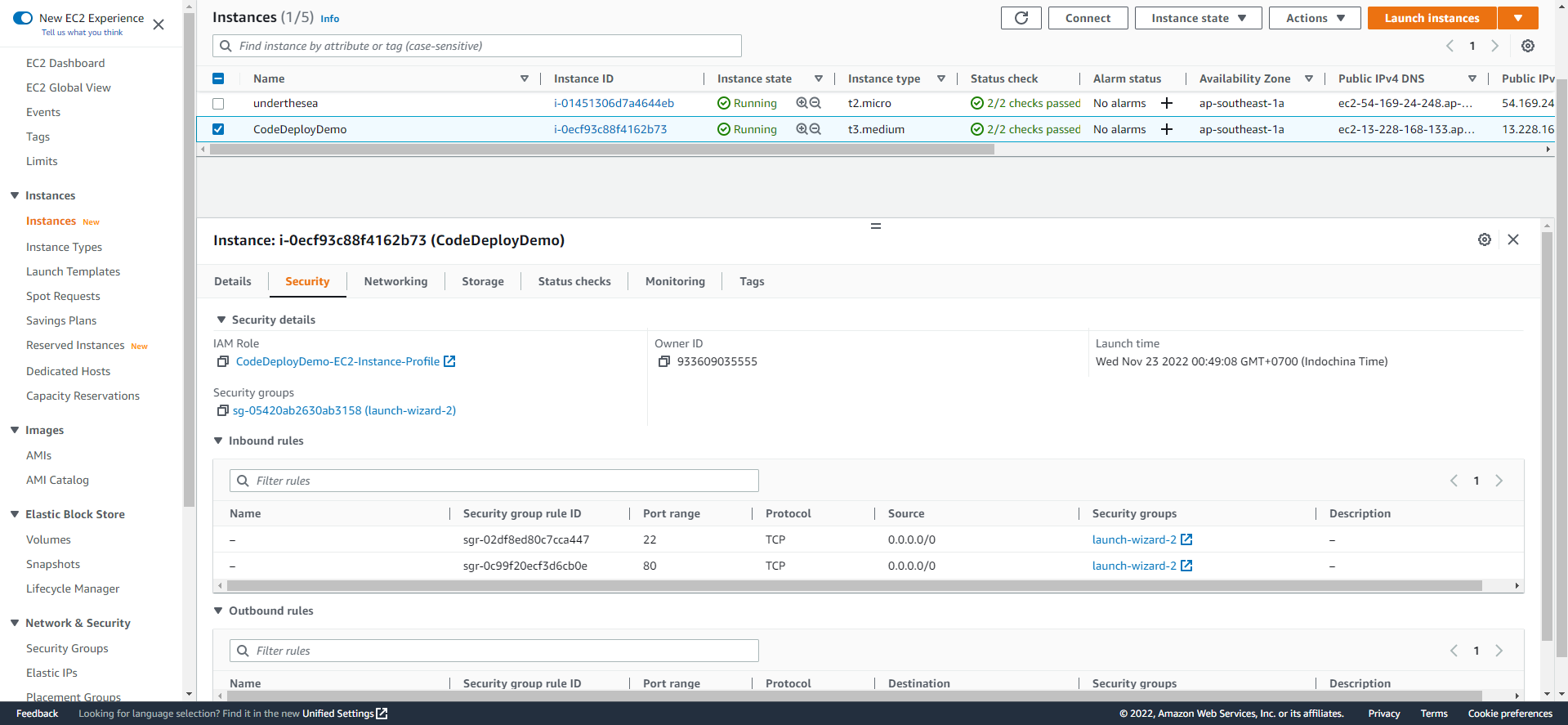
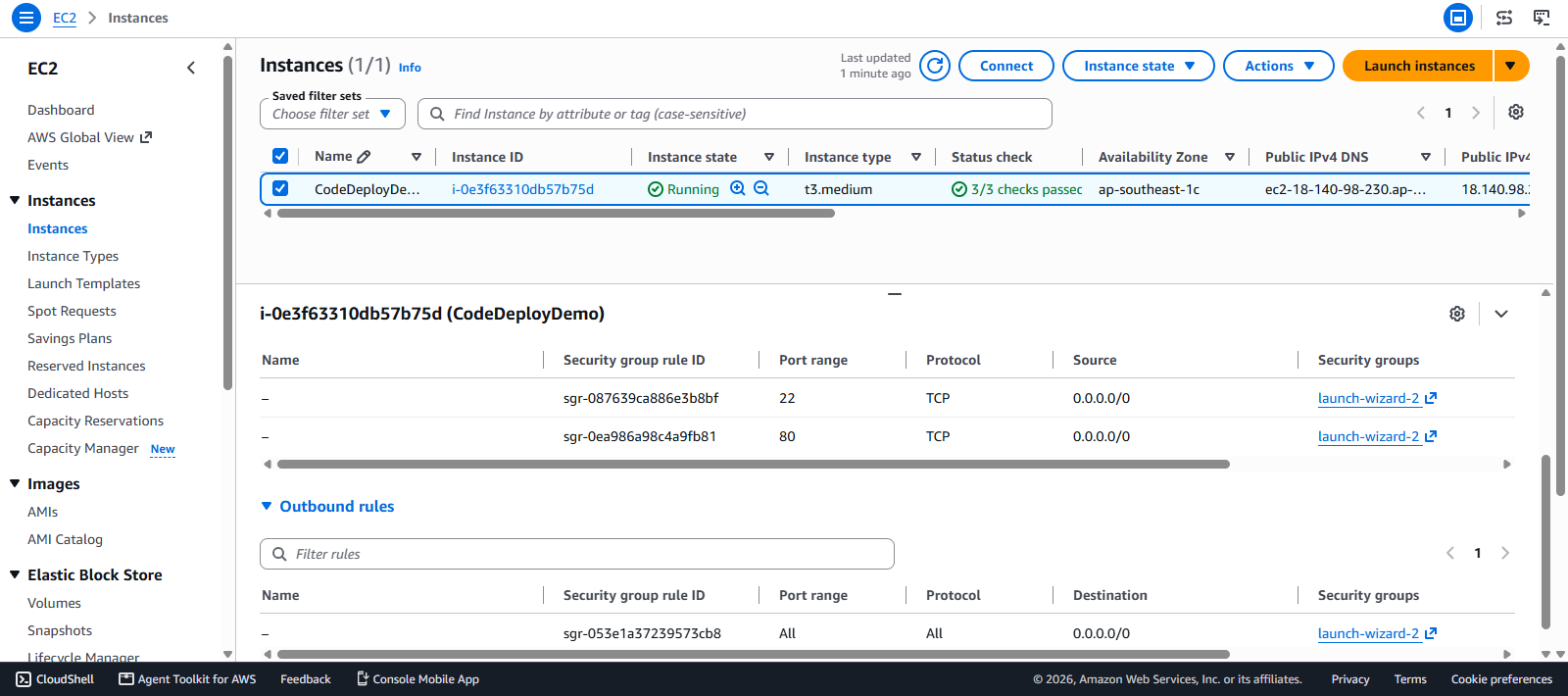
- Kiểm tra chi tiết EC2 instance sau khoảng 3 phút khởi tạo.
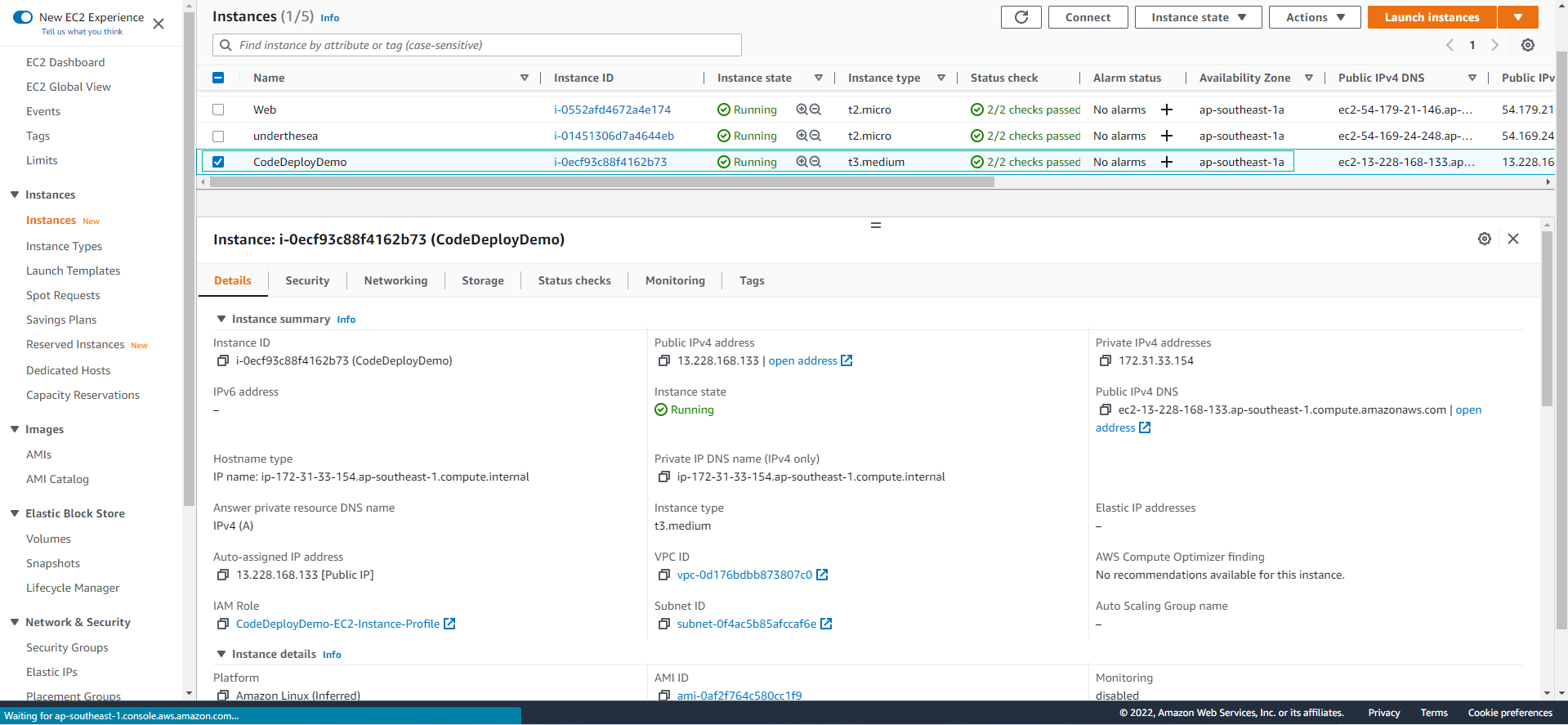
- Kiểm tra cấu hình Security của EC2 instance.