Create S3 bucket
Access S3
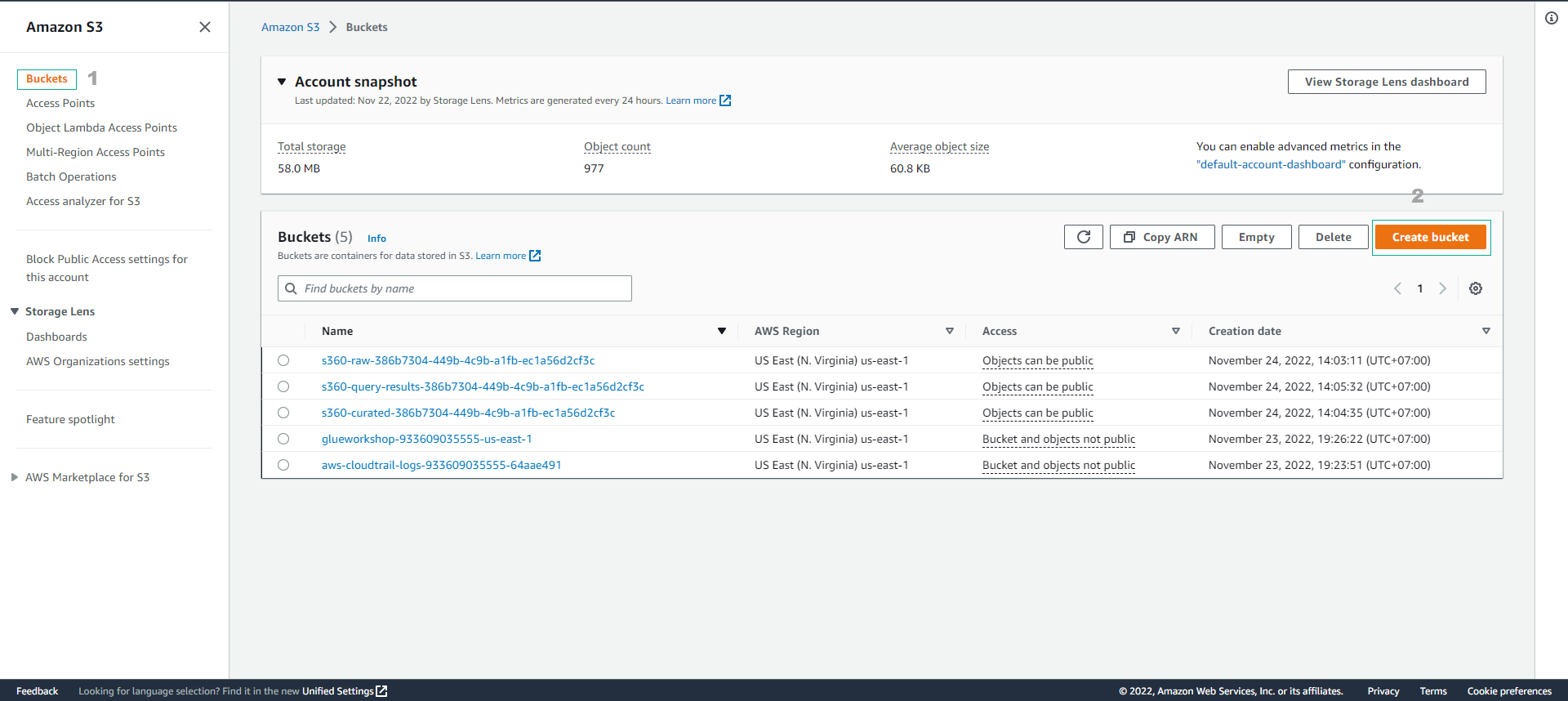
- Select Buckets
- Select Create bucket
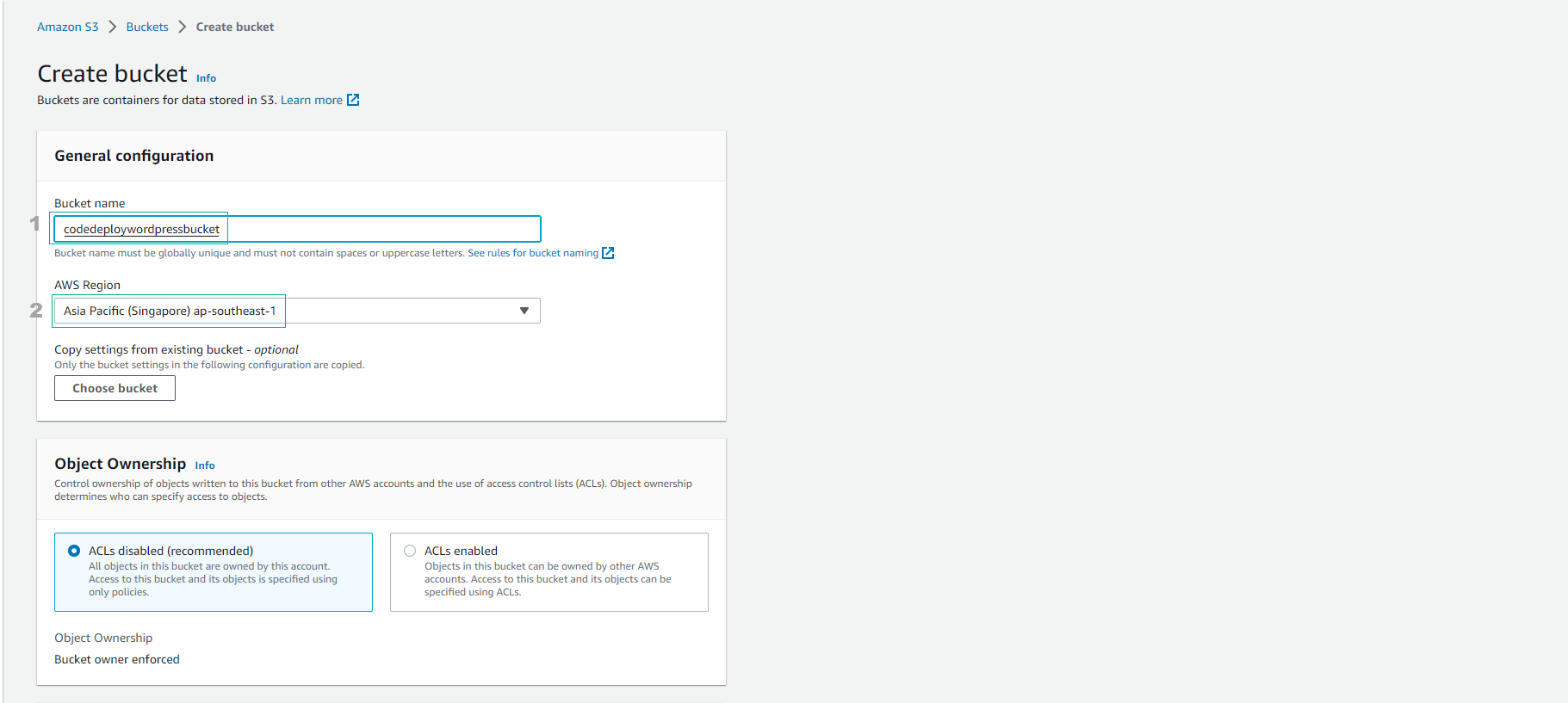
- In the Create bucket interface:
- Bucket name, enter a unique value. For example:
codedeploywordpressbucket-2026 - Select Region.
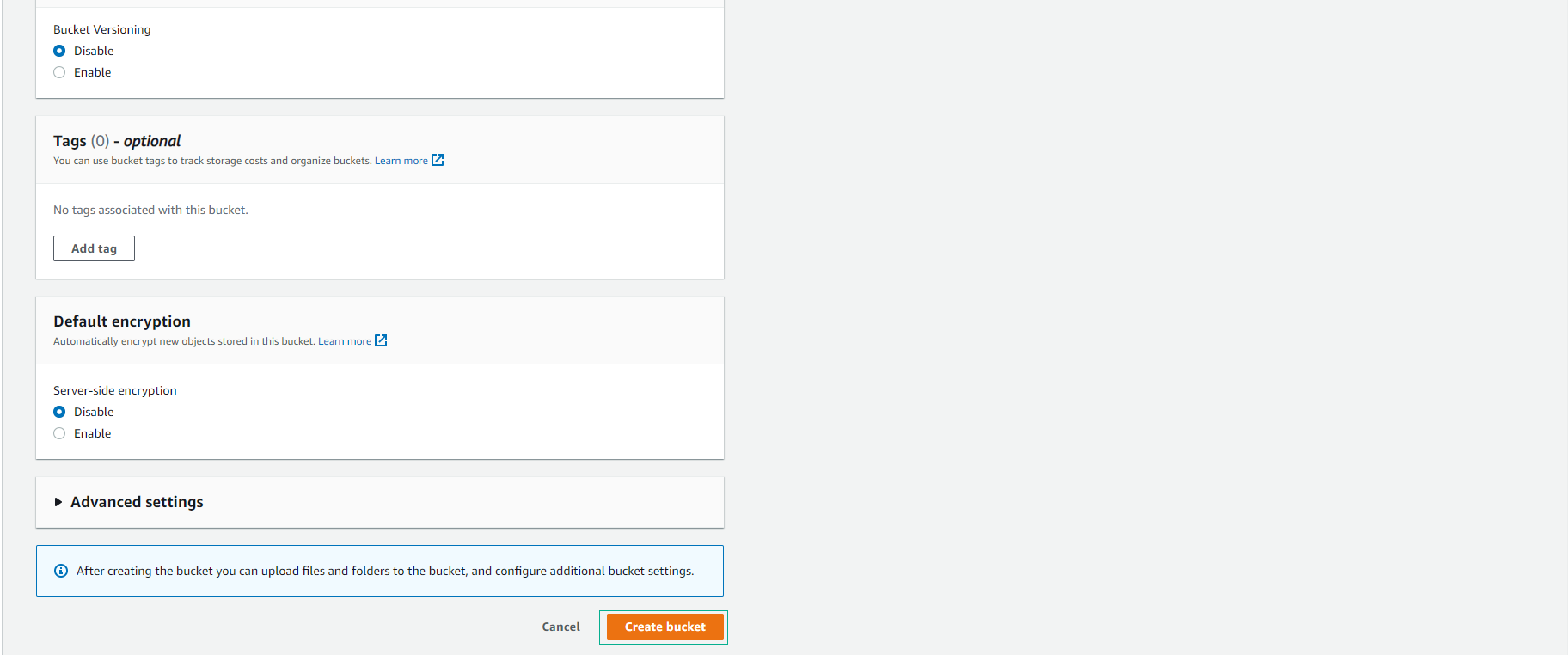
- Select Create bucket.
- Bucket created successfully.
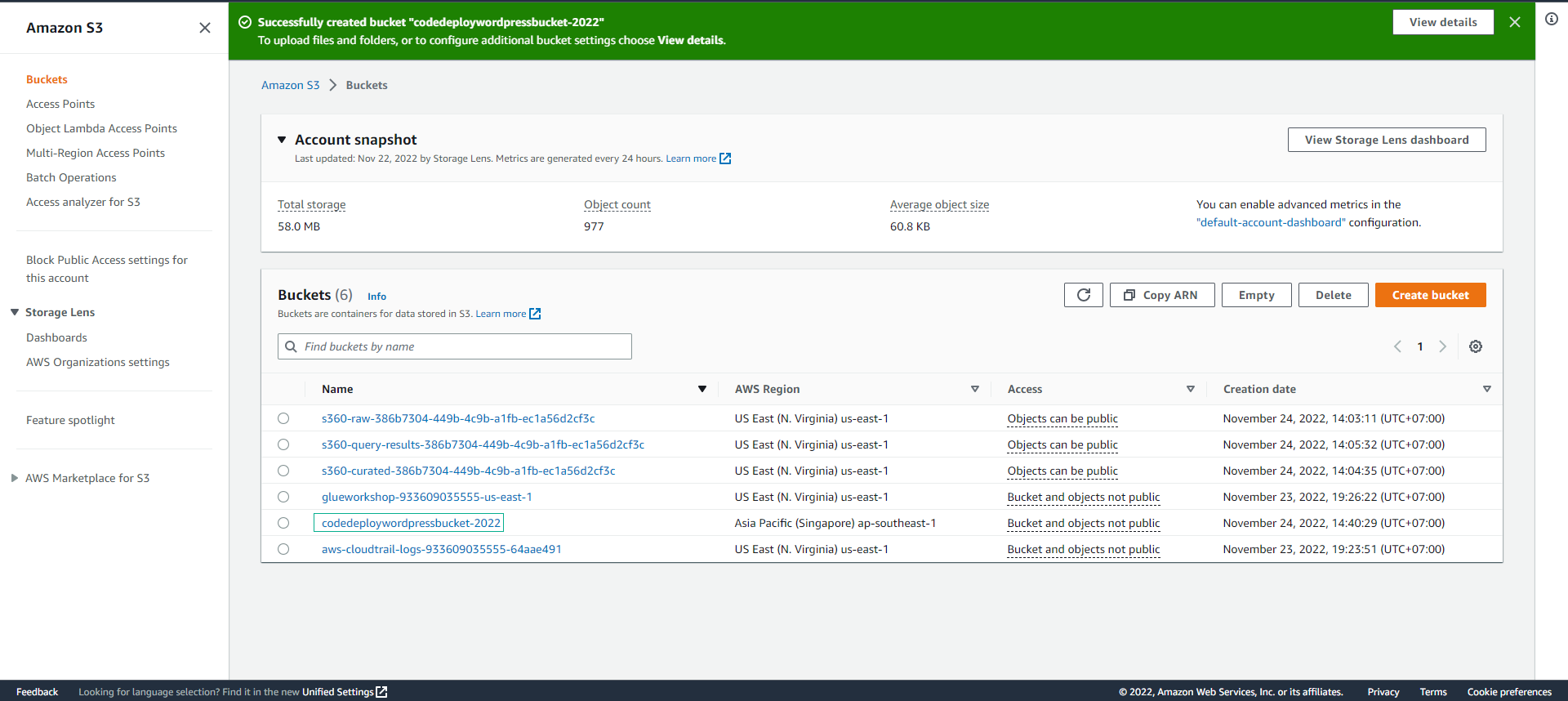
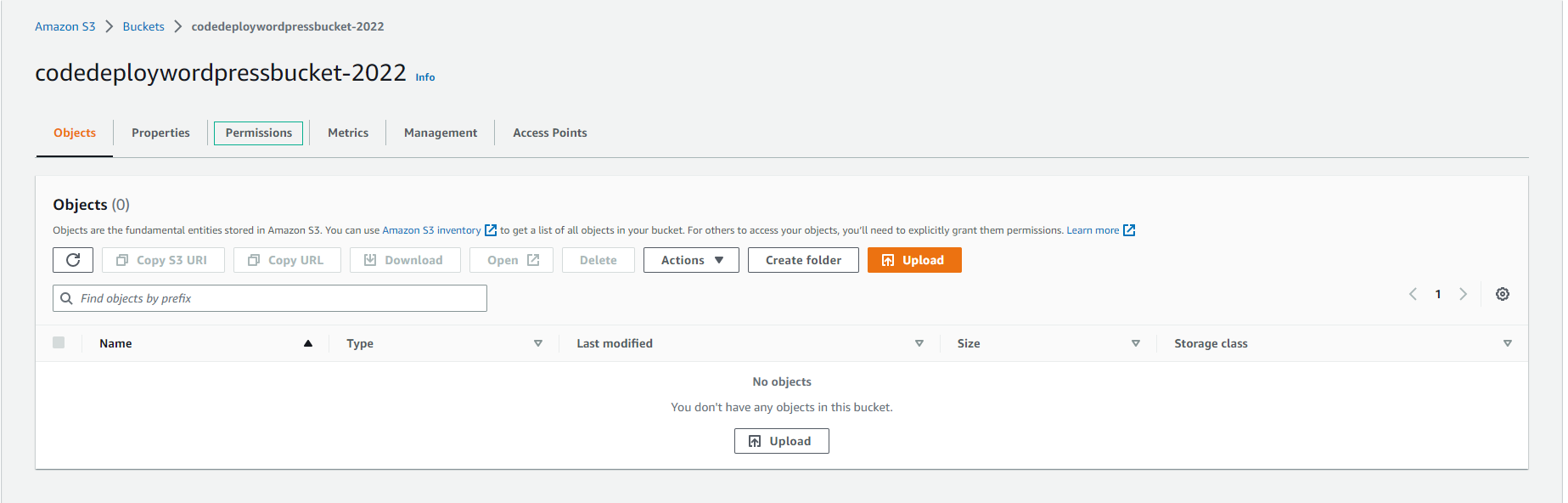
- Select Permissions
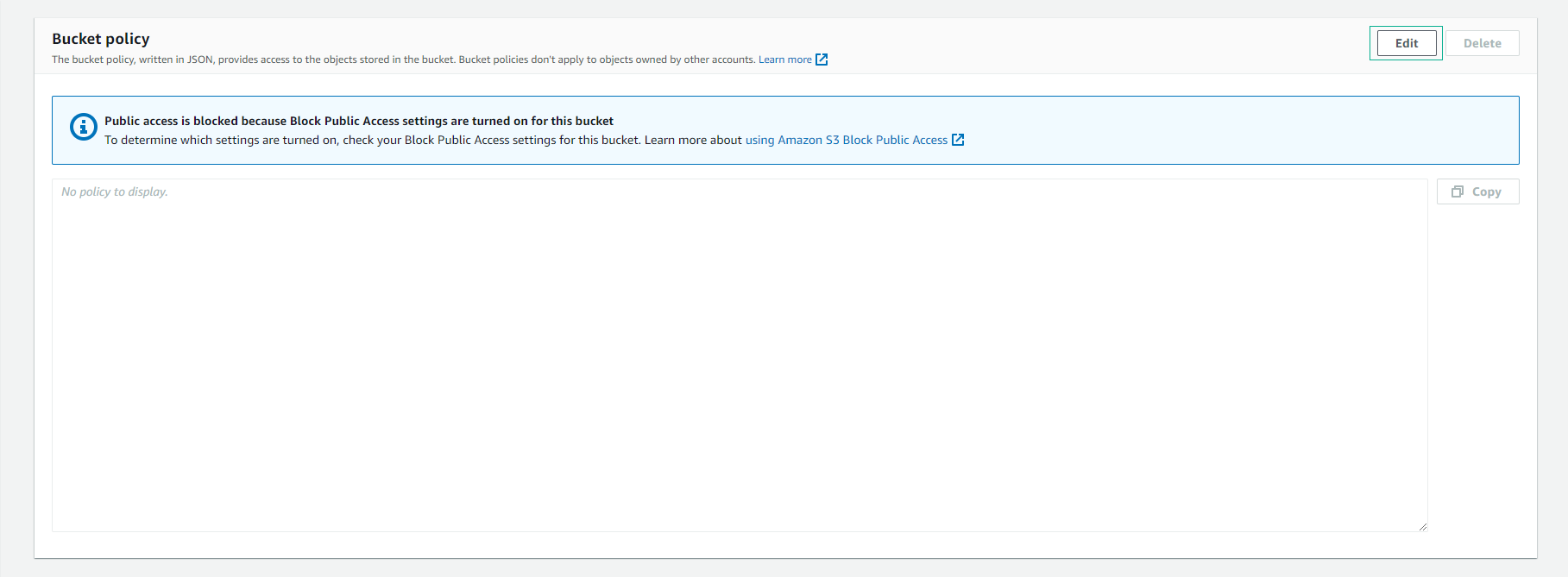
- Scroll down to Bucket policy
- Select Edit
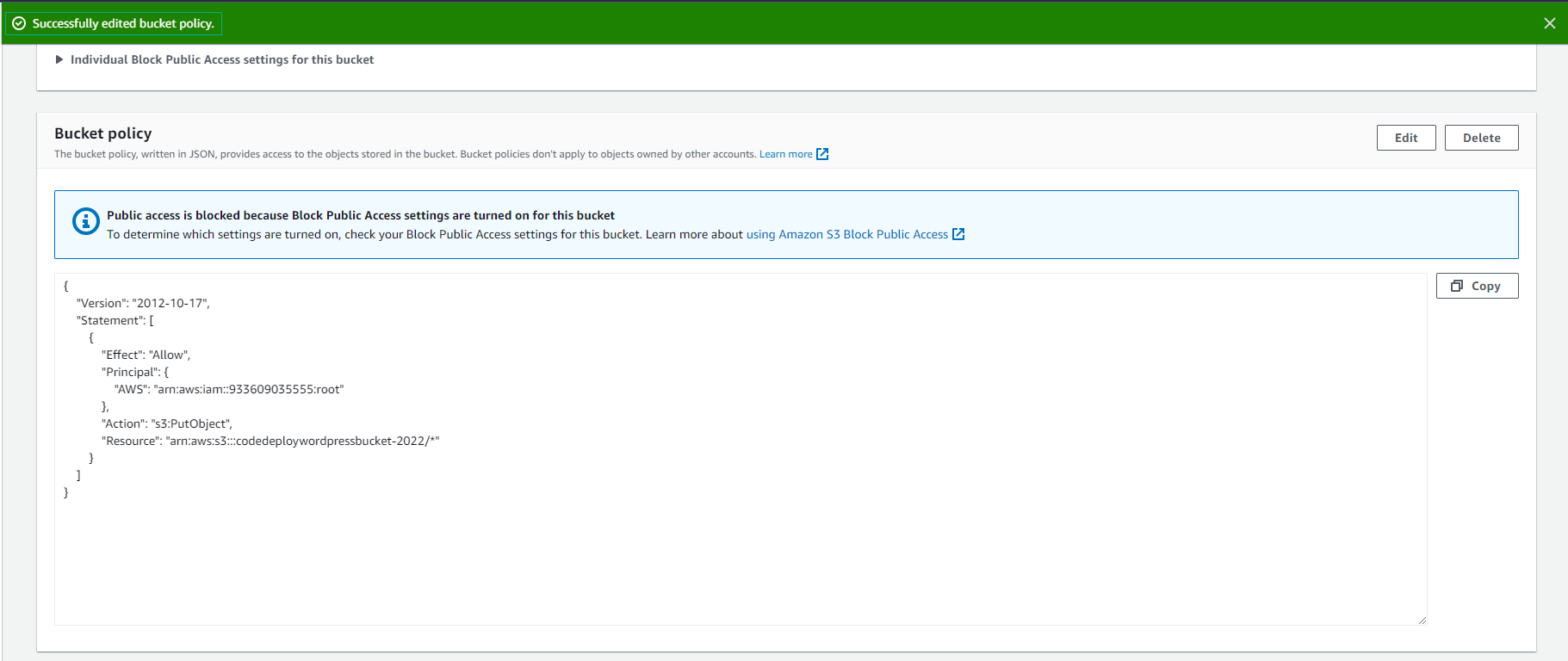
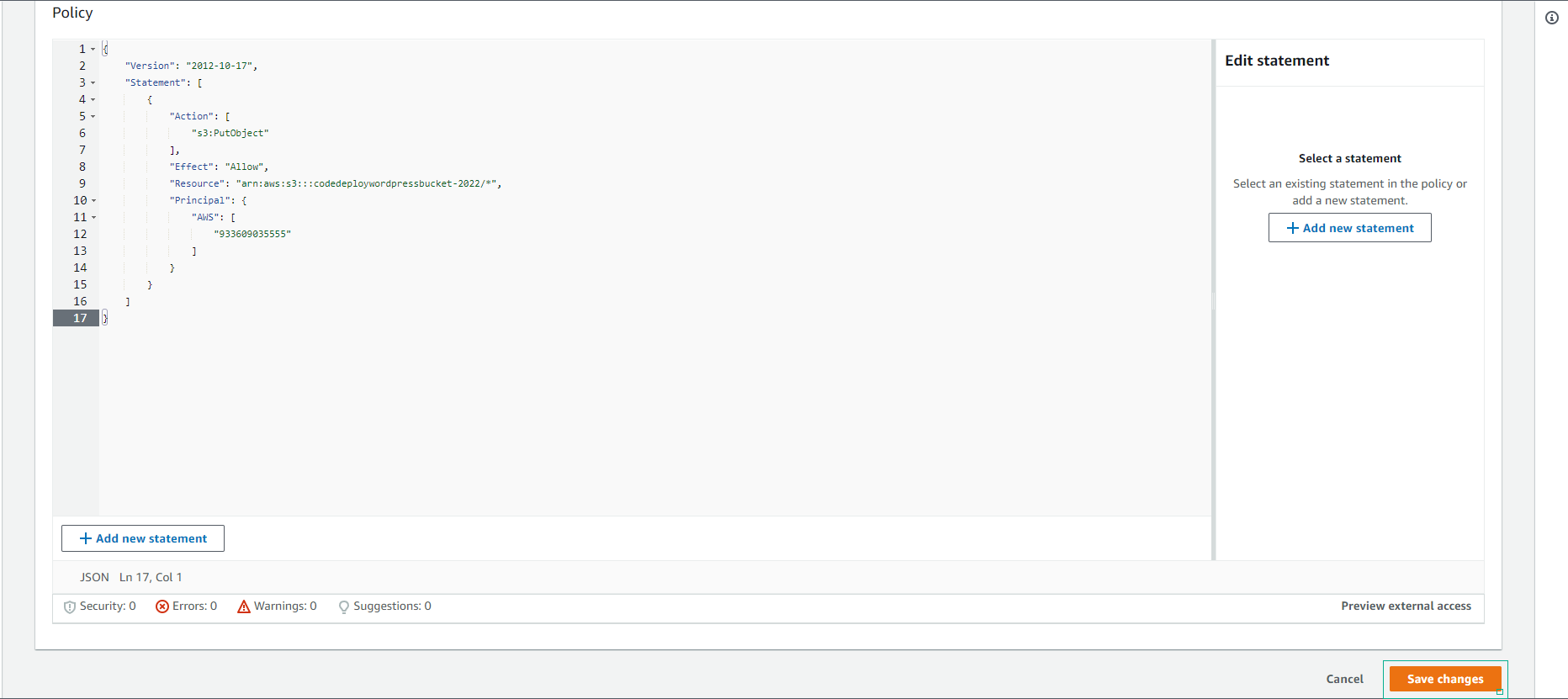
- Replace with the following policy:
{
    "Version": "2012-10-17",
    "Statement": [
        {
            "Action": [
                "s3:PutObject"
            ],
            "Effect": "Allow",
            "Resource": "arn:aws:s3:::codedeploydemobucket7749/*",
            "Principal": {
                "AWS": [
                    "111122223333"
                ]
            }
        }
    ]
}
- Replace with your Resource ARN.
- Replace with your Account ID.
- Select Save changes
- Successfully configured the bucket policy.